
X-Poker for Mac
A native-feeling desktop experience on macOS. Bigger tables, easier multi-tabling, and the same AMG account as your phone.
Official installer link from the AMG concierge
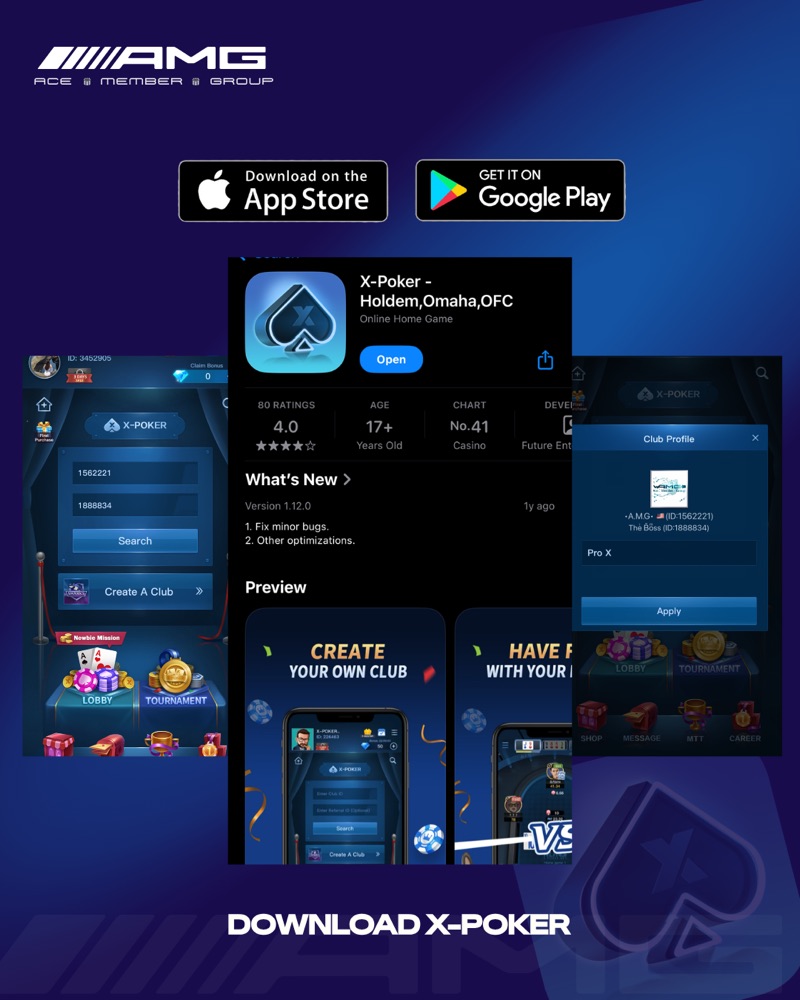
Install guide
Install on Mac.
- 01Download the official X-Poker .dmg from this page.
- 02Open it and drag X-Poker into your Applications folder.
- 03First launch: Control-click the app, choose Open, then confirm.
- 04Open X-Poker, register, then enter Club ID 1562221 and Ref ID 1888834 and tap Apply.
Requirements
What you'll need
Install file
.dmg from this page
macOS version
[Confirm minimum version]
Chip
[Confirm Apple silicon / Intel]
Storage
[Confirm install size]
Connection
Broadband recommended
Other platforms
Playing on another device?
Installed?
Now join the club.
Enter Club ID 1562221 and Ref ID 1888834 in X-Poker, tap Apply, and message our concierge.
Club ID1562221
Ref ID1888834